
Archives
Tracking my latest series

I recently finished up a 100-Day Botanical Drawing project, creating fun little daily reflections of the world around me.
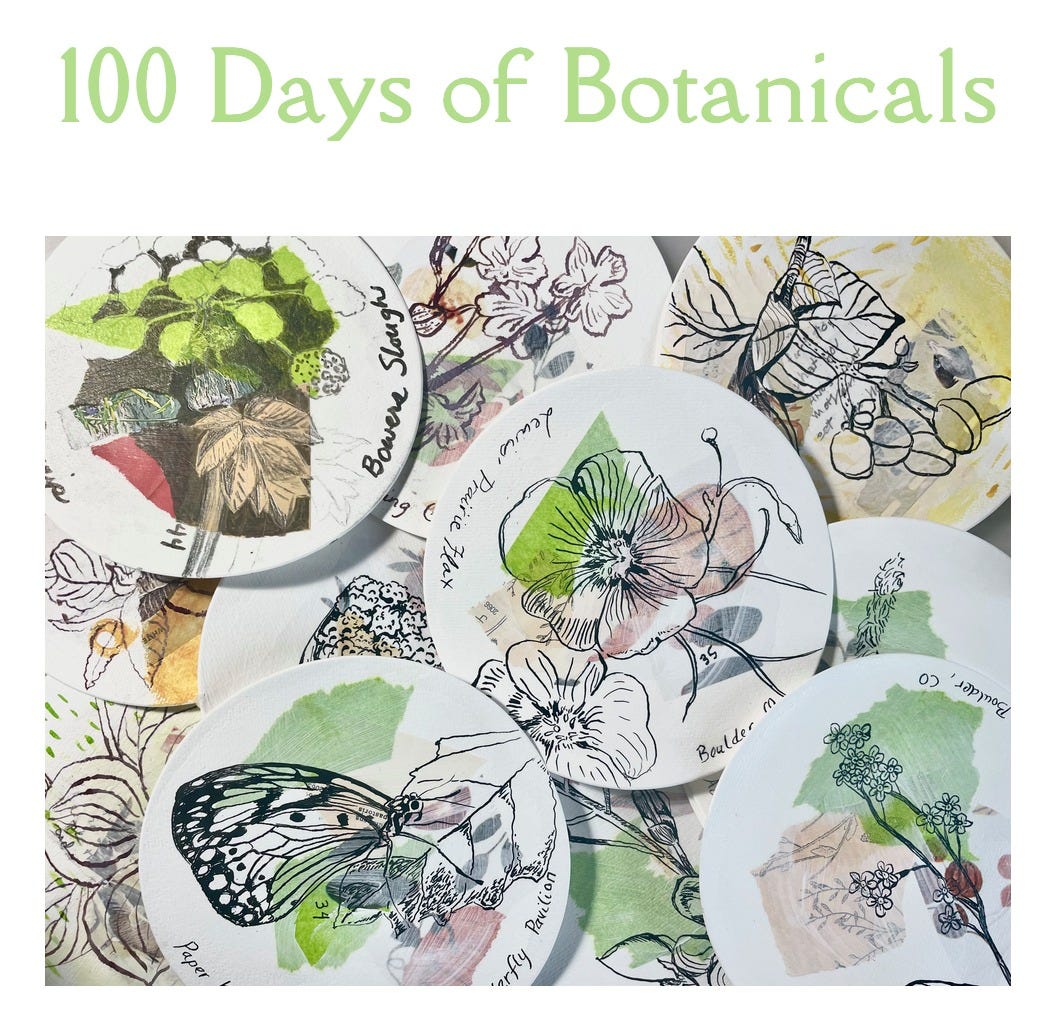
(You can read more about this series in my August Newsletter)
Once that last stroke of ink was added to the image, you might think my job is done. But no, this is when an even bigger task begins - record keeping!
As an artist, it’s important to document your work. You never know how or when it may be needed (or if at all), but you can’t save what you don’t have.
There are several ways in which to do this, and every artist probably has their own system.
Personally, I prefer to scan images of my work whenever I can. I find this gives me the best results for true to life color and future reproduction work. I also do my best to keep a numeric system of saving file names, but I admit I can usually date my work by the “perfect new” method in which I saved it. It’s hard for this artist to keep consistent! Nonetheless, I make sure files are saved, and a means to gather all the necessary data is available.
One of my more recent attempts at organization can be found in my 2021 Substack post, “Cataloging Art.”
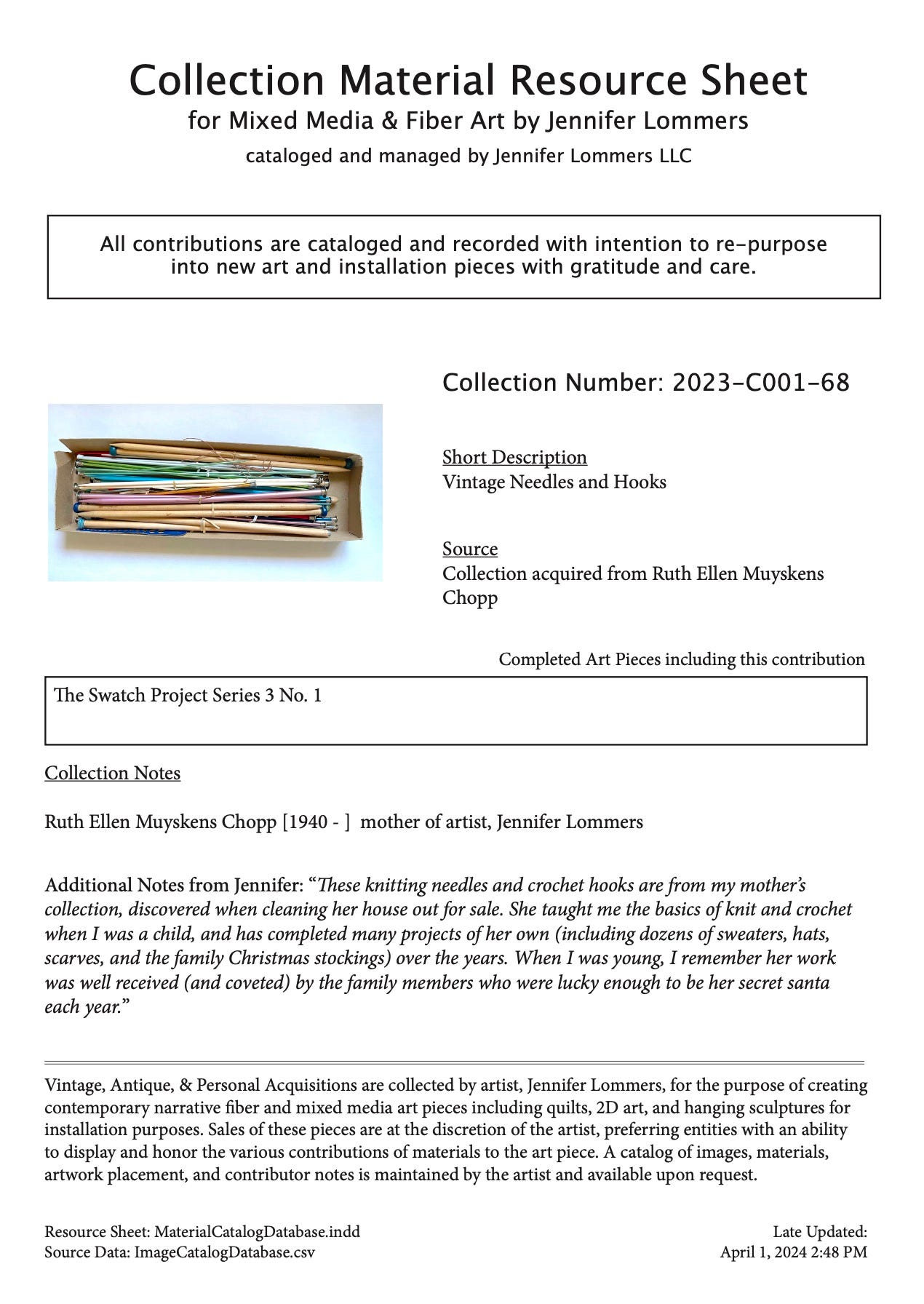
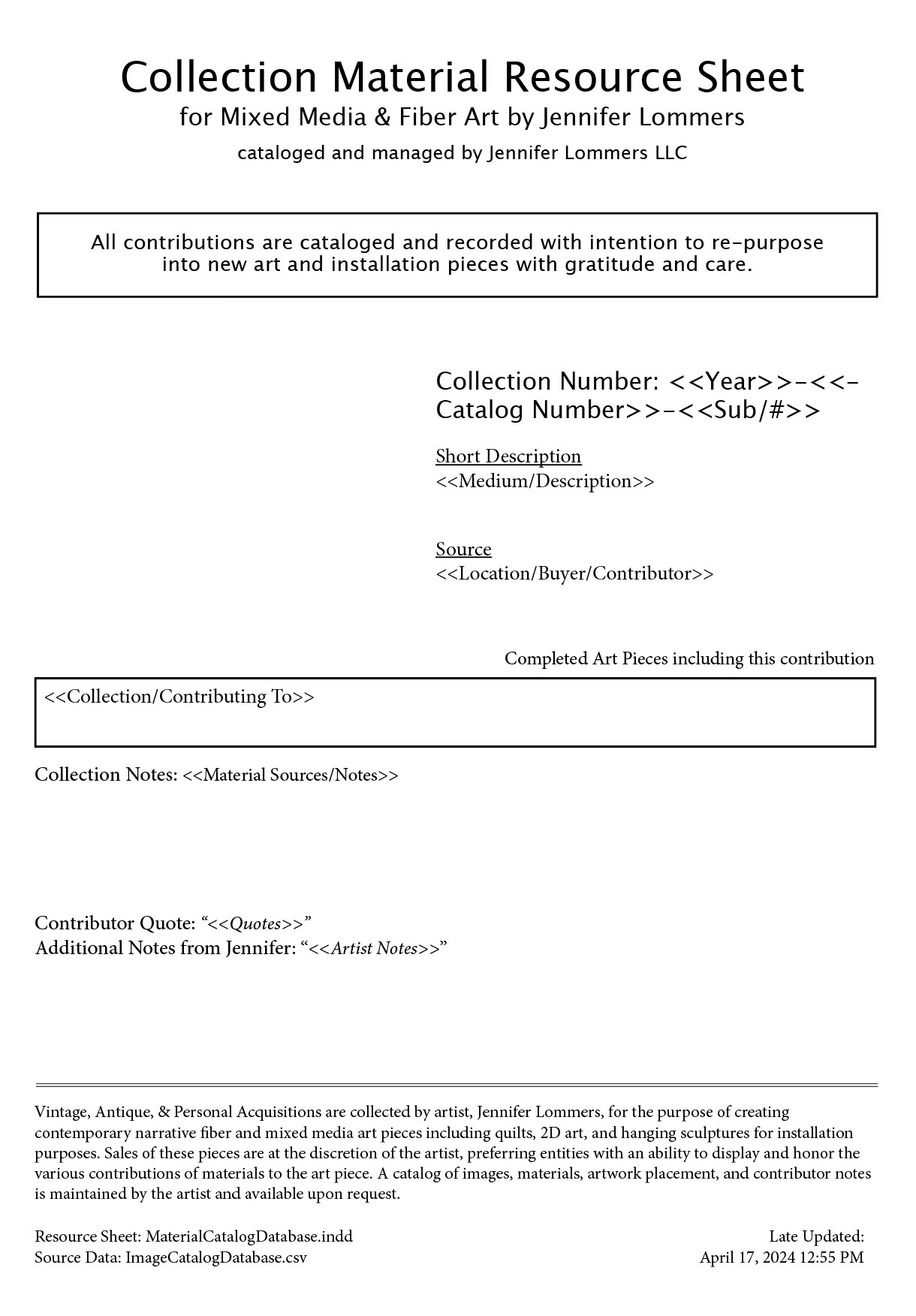
Since then, I have simplified (and hopefully improved) my methods by moving my data in-house to a basic spreadsheet of my own design paired with an Adobe InDesign mailmerge file (to make it easier to view the data and print catalogs of my work).
Learning to merge data into my InDesign documents was a hurdle I’m so glad I managed to clear. I’ve found several other uses along the way, including collecting and sharing data for various collaborative mixed media projects.
Sample Adobe InDesign Data Sheet using Mailmerge.
And what is looks like before I merge the data…
Taking care of this part of my art practice not only allows me to keep archives of my work, but it also makes it easier to complete tasks such as…
Entering art into shows
Updating my website with art for sale
Applying for residencies, grants, and other arts programs
Searching for images based on year, series, subject, style, project, or material
Marketing, advertising, and promotional work
Preventing copyright issues
It also pleases the database nerd in me!
Needless to say, it takes time and diligence. And even though I finished my 100 days of Botanicals project back in July, I’m just now reaching the halfway point of cataloging each piece.
100 Days of Botanicals #1-#48 (side A)
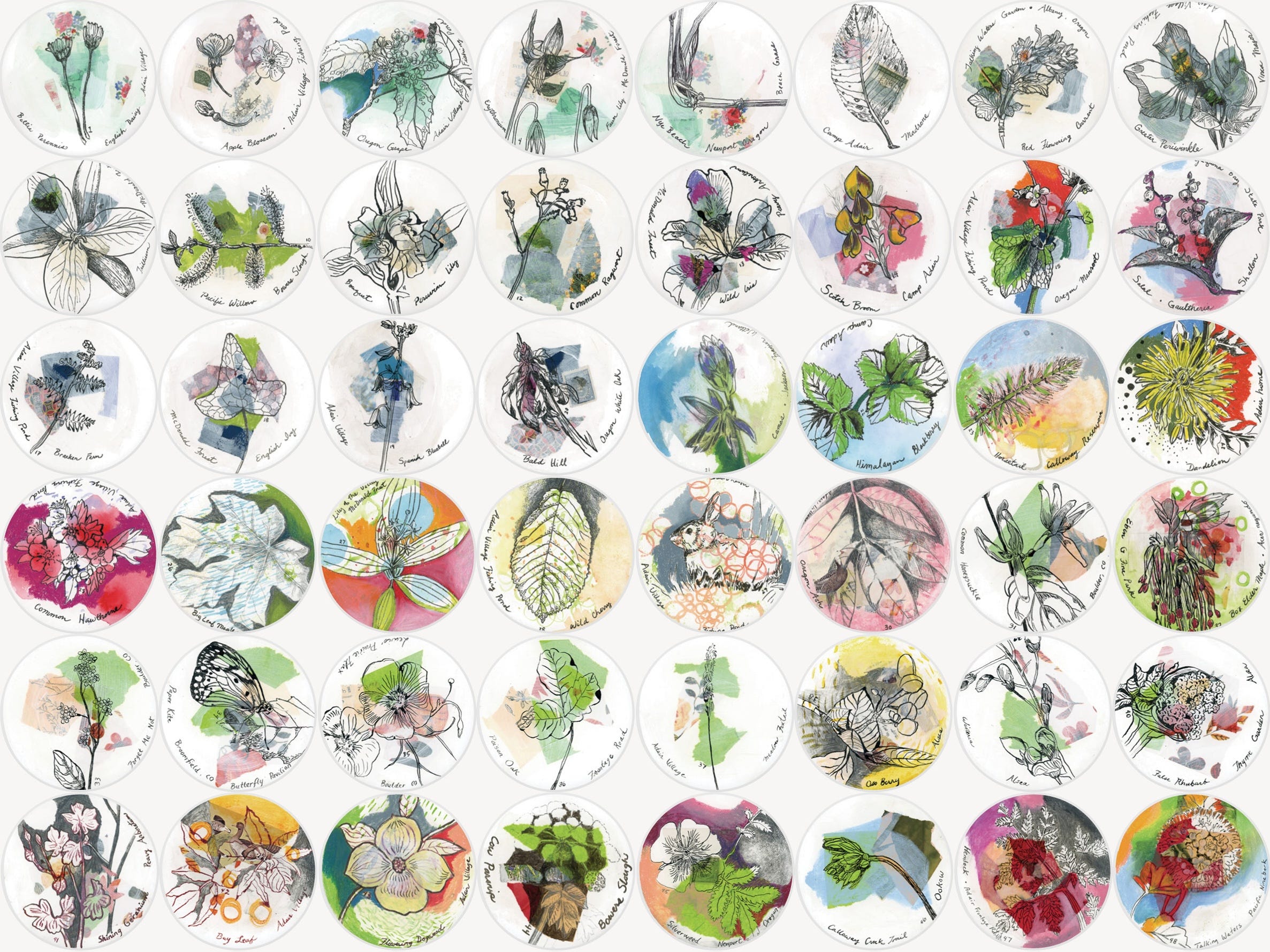
100 Days 3 #1-#48 (side B)
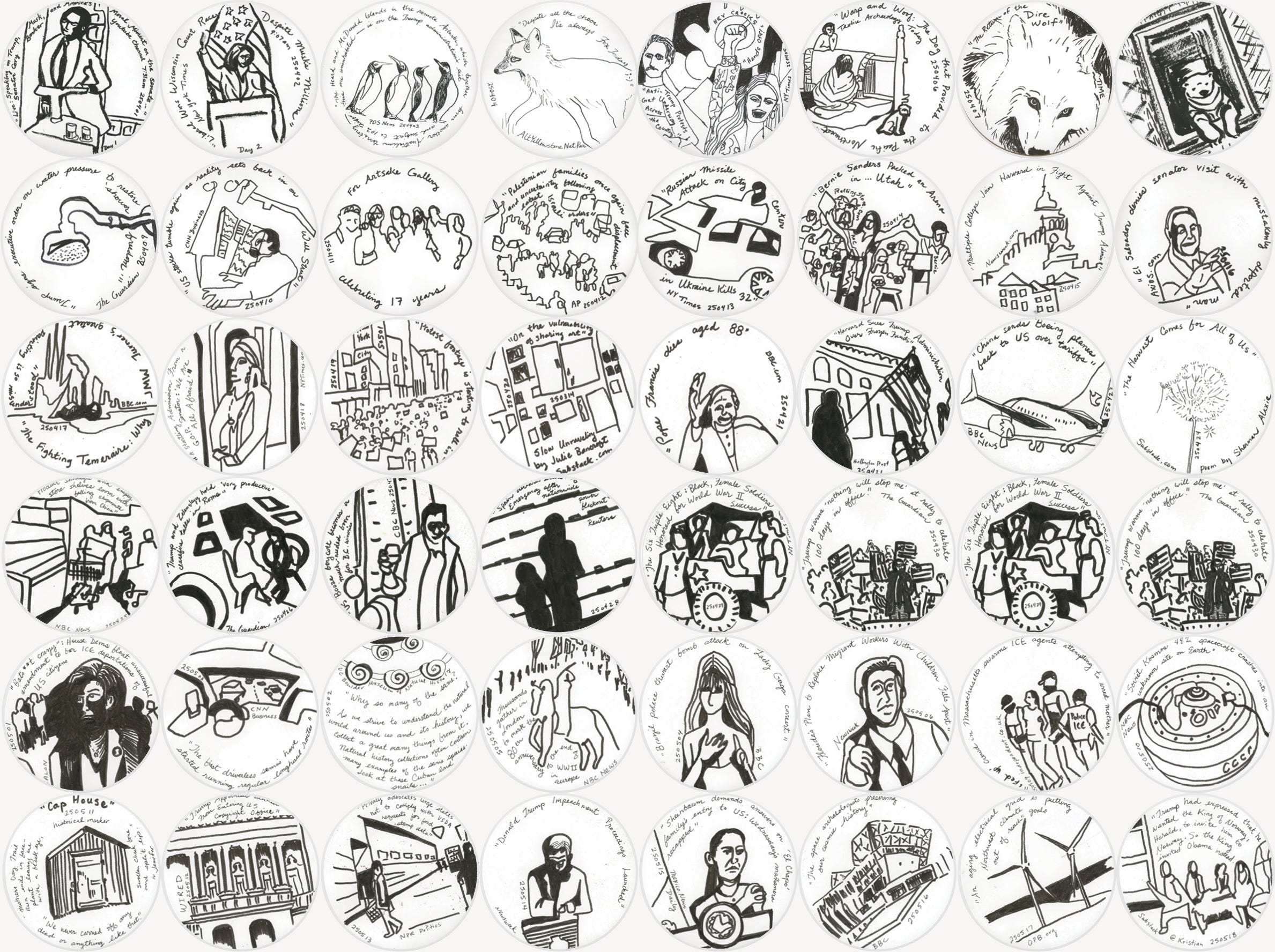
Each of these little 5-inch round drawings was scanned, front and back, digitally saved, cataloged, and added to the collages (above) to show off the collection - thus far….
It seems like this part of the studio work never ends, but I suppose that’s a good thing. It means I’m still creating!
Here are some more resources if you’re ready to start or revamp your archiving process.
8 Tips to Start Archiving Your Work
by Katie Carey
https://cerfplus.org/8-tips-to-start-archiving-your-artwork/
The best time to start is now
You may have heard the old proverb, “The best time to plant a tree was 20 years ago. The second best time is now.”
From Creation to Preservation: The Artist’s Guide to Preservation
Join host Scott "Sourdough" Power as he highlights the importance of preserving artistic legacies for future generations
https://notrealart.com/archiving-artwork/
Archiving for Artists
https://www.aucklandartgallery.com/article/archiving-for-artists
Caroline McBride, Librarian/ Archivist, E H McCormick Research Library Auckland Art Gallery Toi o Tāmaki
(I especially appreciated the detailed information in this article from a professional archivist. Definitely check it out!)
Happy Archiving!
~ Jennifer
Love the photos of these all together! Thanks for sharing, I could definitely upgrade my image organizing 😬